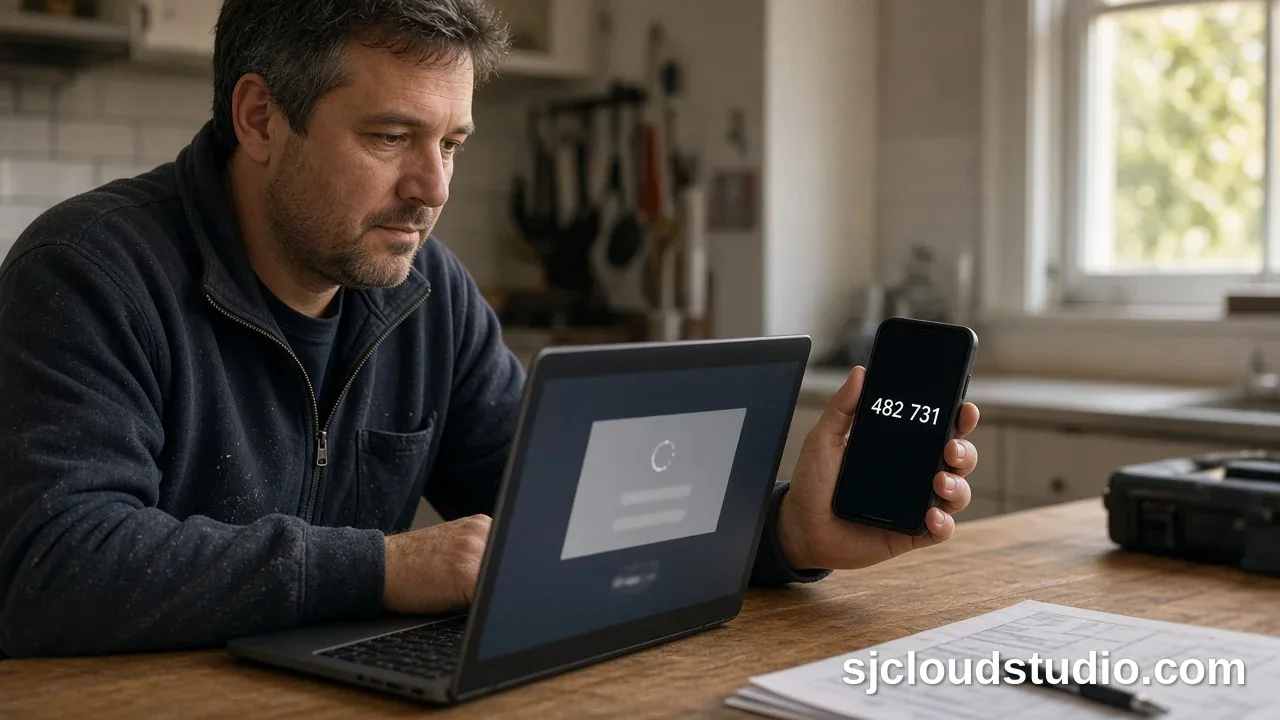
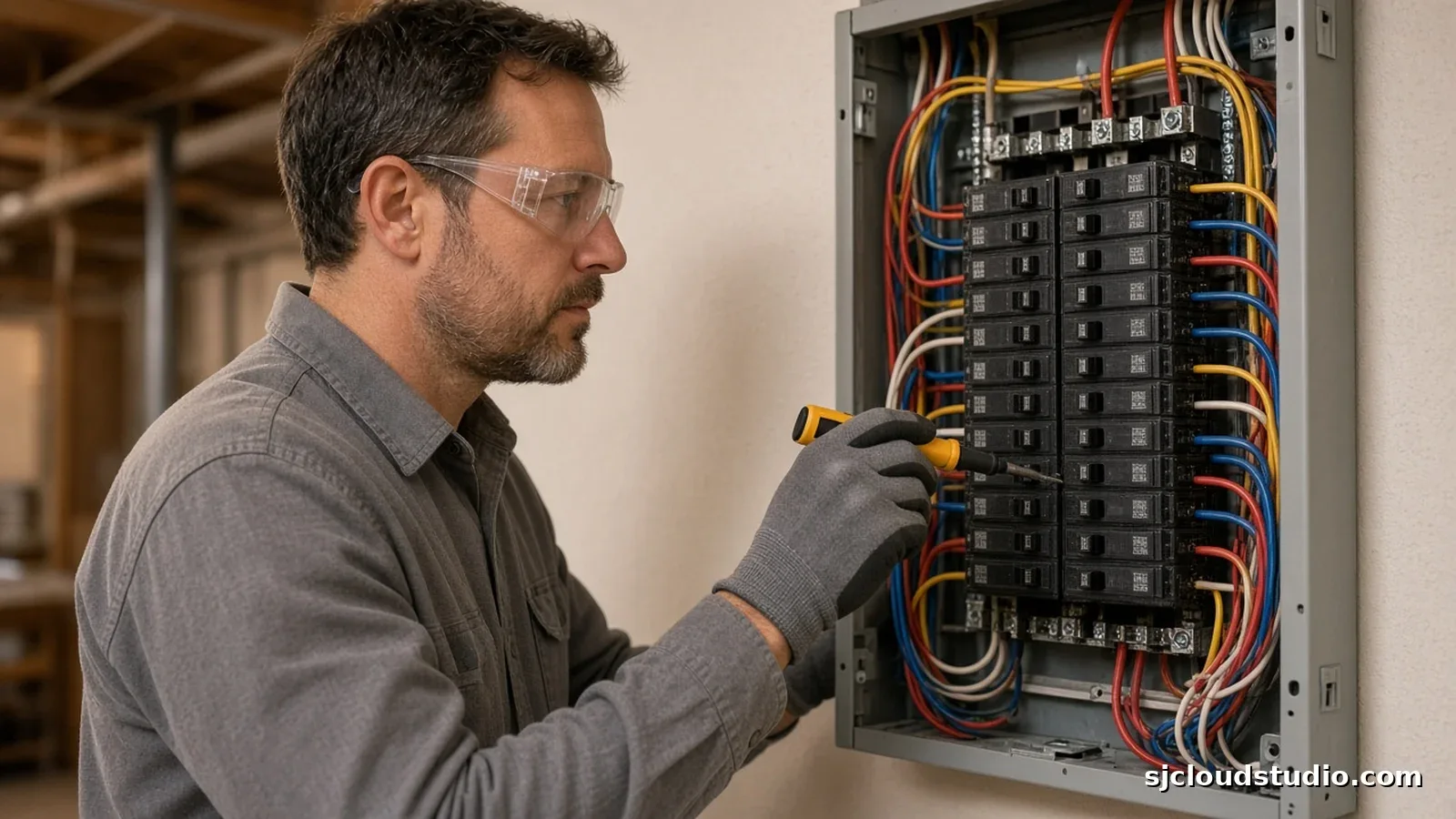
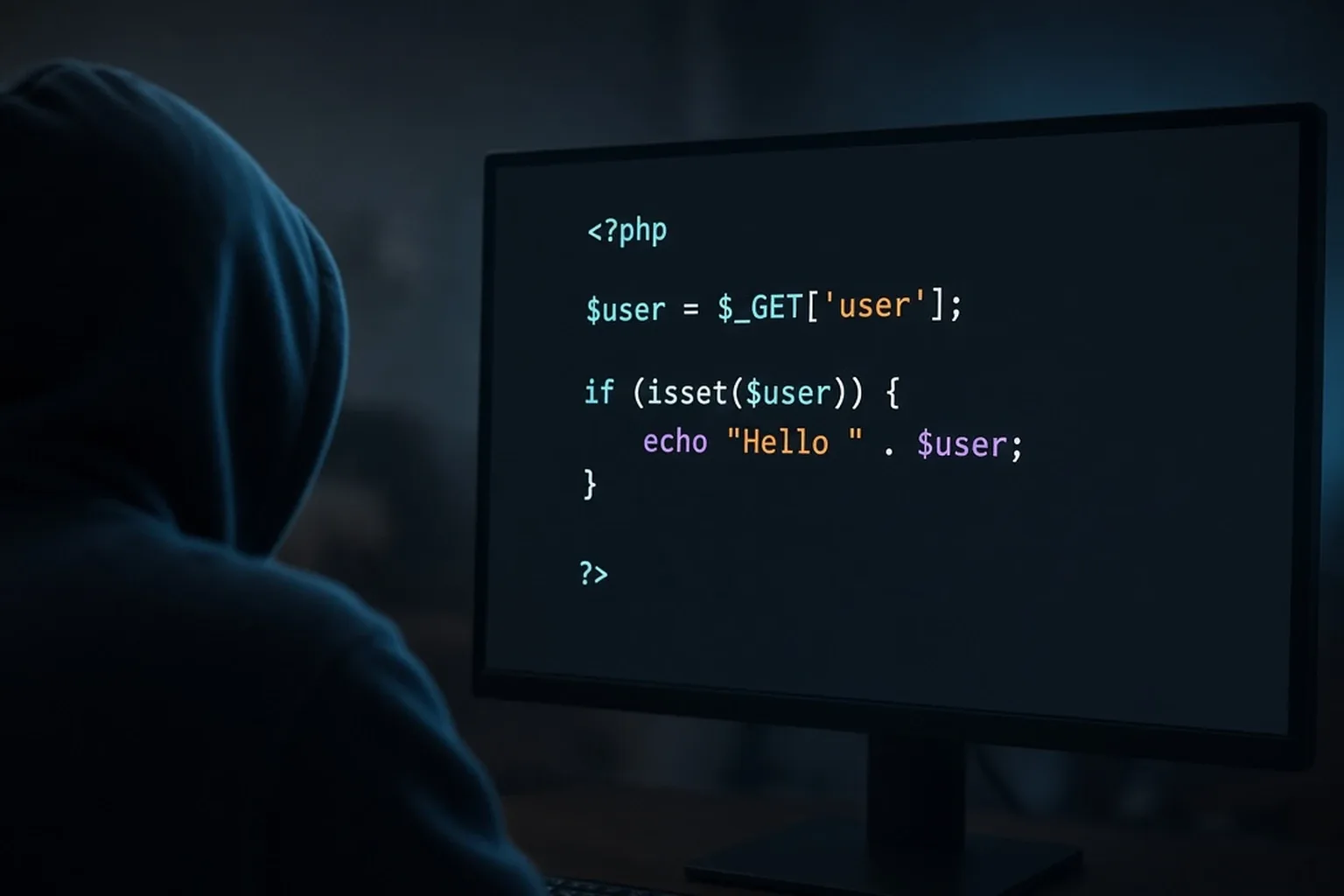
Contractor Website Checklist: What You Need in 2026
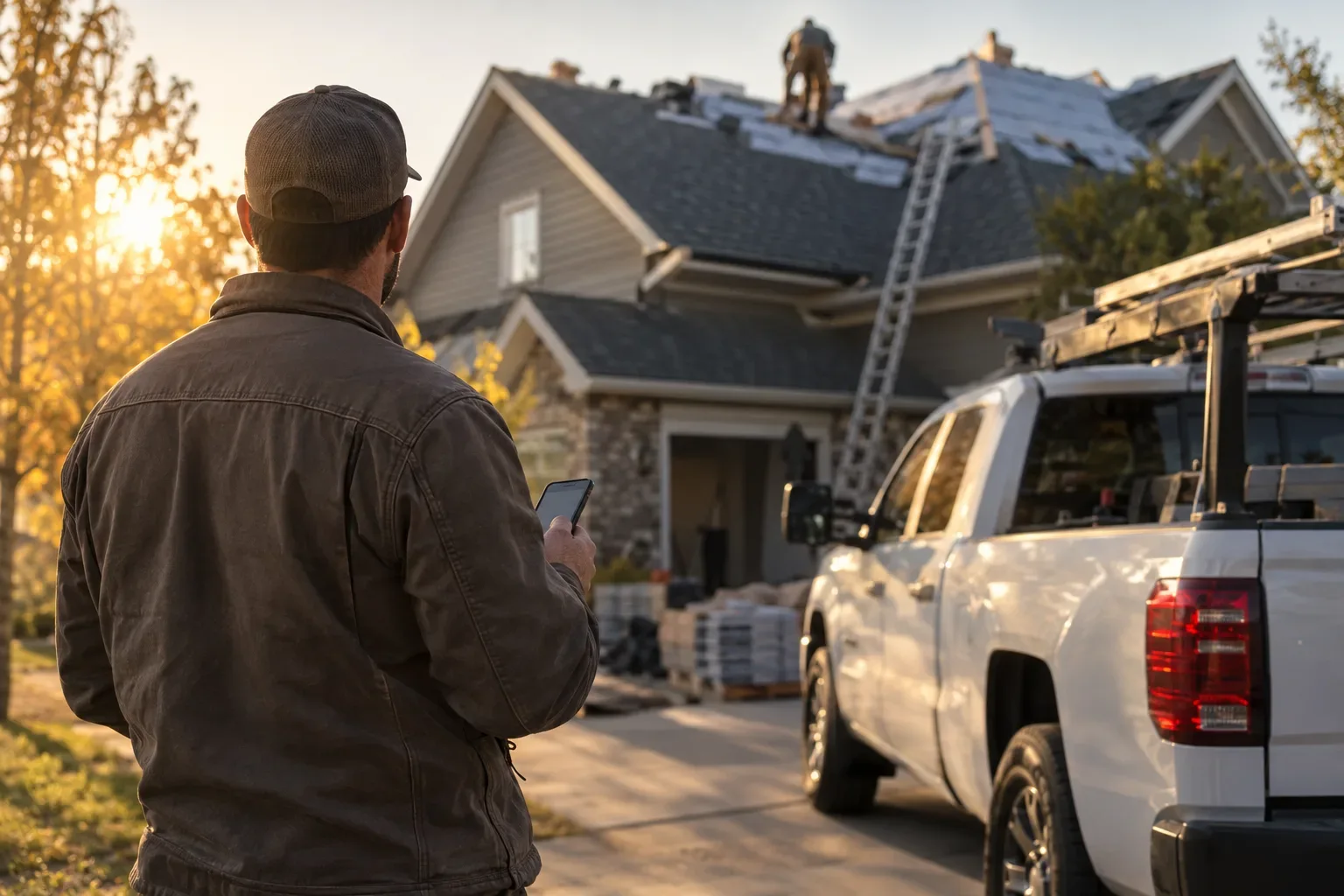
Most contractors don't lose jobs because the work is bad. They lose them because a homeowner opens a slow, confusing site, can't tell if the business is legit, and taps back to the next result.
If you work on Long Island, that homeowner has plenty of other options one swipe away. The fix doesn't take a huge site or fancy tricks.
This contractor website checklist covers what you need in 2026: essential pages, trust signals, mobile speed, clear calls to action and lead capture.
Quick answer: A good contractor website in 2026 has a few essential pages (home, services, projects, about, contact), visible trust signals like real photos and reviews, fast loading on phones, and a clear call to action on every page. It also has a short quote request form that saves every lead. If a homeowner can see what you do, trust you and reach you within a minute on their phone, the site is doing its job.
Which pages does a website for contractors really need?
Good contractor website design starts with structure, not decoration. Most small crews do well with five pages:
- Home: what you do, where you work, and one clear way to reach you.
- Services: each main service explained in plain words, so people searching for it can find you.
- Projects: real before-and-after photos from your own jobs.
- About: who you are, how long you've worked, and what to expect when you show up.
- Contact: your phone number, your quote request form and the areas you serve.
A website for contractors doesn't need a blog, a store or a dozen menu items. More pages only help if each one answers a real customer question.
What trust signals make a homeowner pick up the phone?
Homeowners are letting a stranger into their house or onto their roof. Your site has to calm that worry quickly.
- Your license number and proof of insurance, if you hold them.
- Real photos of your crew, trucks and finished work instead of stock images.
- Genuine customer reviews, used with the customer's permission.
- How long you've been in business and any warranty you actually offer.
- The same business name, phone number and email everywhere they appear.
A contractor website Long Island homeowners trust also names the towns and areas you really serve. Put a few of these signals near the top of the home page, not buried in the footer.
Why does mobile speed matter for local contractor leads?
Many homeowners search from a phone, often while dealing with a leak, a broken unit or a damaged roof. They won't wait for a heavy page to load.
A slow site quietly costs you local contractor leads, because you never see the people who left. A few habits help:
- Compress photos before uploading. A full-size phone photo doesn't belong on a home page.
- Skip autoplay video and large image sliders on the home page.
- Use readable text and buttons big enough for a thumb.
- Test the site on your own phone using cell data, not office Wi-Fi.
How do you set up calls to action and a quote request form?
Every page should answer one question: what should I do next? Put your phone number at the top where it can be tapped, and repeat a clear button like "Request a quote" down the page.
Keep the quote request form short. Name, phone, email, what they need and their town is plenty. Every extra field gives people a reason to quit. After they submit, show a confirmation that sets an expectation you can actually keep.
Speed of follow-up matters too. As an illustration only, if 10 people send a quote request this month and slow replies lose 3 of them, at $4,000 a job that's $12,000 of work gone.
Your contractor website checklist for 2026
Use this as a quick audit of your current site:
- Home, services, projects, about and contact pages are all there.
- Your phone number is tappable and visible without scrolling.
- A "Request a quote" button appears on every page.
- Your quote request form is short and works on a phone.
- License, insurance and real project photos are easy to find.
- Your service areas are named in plain text.
- Pages load quickly on cell data.
- Every form submission is saved somewhere you'll actually check.
- Someone is responsible for replying to every lead.
If you can't check off most of these, start with the last two. A lead you never see or never answer is the most expensive kind of lost job.
How a website plus an AI lead inbox helps
A good site brings in visitors. What happens after someone fills out your form decides whether you win the job.
SJ Cloud Studio builds websites for local service businesses, and its websites come with an AI lead inbox. It saves every lead that comes in through the website, flags urgent ones, drafts replies for you to review, and follows up at 2 and 5 days. You don't have to dig through email to find a request you missed.
A landing page is $1,000 one-time, and the AI lead inbox can be added for $600. A website with up to 5 pages is $2,600 one-time with the AI lead inbox included. You also see a free private preview of your new site for 4 hours before you pay anything.
FAQ
How many pages does a contractor website need?
Five covers most crews: home, services, projects, about and contact. A single landing page can also work if you mainly need one clear place to send people for quotes.
How long should a quote request form be?
Short. Name, phone, email, a description of the job and the town is enough for you to follow up. You can ask for details once you're talking.
What's the most important trust signal for contractors?
Real photos of your own work, followed closely by genuine reviews and your license and insurance details if you hold them. These show a homeowner that you're a real business with real results.
Does the AI lead inbox replace answering leads myself?
No. It saves each lead, flags urgent ones and drafts replies for you, so you can respond faster. You stay in charge of what goes out.
Related reading: six website checks you can run this afternoon, is your business website safe?, an AI lead inbox for snow removal crews. You can also run our free website check on your current site.
If your current site is missing pieces of this list, you don't have to rebuild everything yourself. Get a free private preview of your new site at sjcloudstudio.com and see how it looks before you pay anything.

Founder of SJ Cloud Studio on Long Island. I build websites and AI receptionists for local businesses, and I write here about what works for them. More about me.
Keep reading