Is Your Business Website Safe? A Business Website Security Check for October 2026
Most small business owners only think about their website when a customer says it looks broken. This week, two serious security stories landed within a day of each other, and both touch the kind of site a local shop, salon or contractor runs.
This guide explains both in plain English and gives you a short business website security checklist you can work through with your host or developer, whether you are on Long Island, elsewhere in New York or anywhere in the US.
Quick answer: Your site is probably fine if your host keeps PHP and WordPress updated, your HTTPS certificate is valid and from a mainstream provider, and you have backups and two-factor logins. This week, ask your host or developer to confirm your site runs PHP 8.5.12, 8.4.27, 8.3.36 or 8.2.35 (the October 21 security fixes), and keep your own browser and devices updated.
What happened with PHP this week?
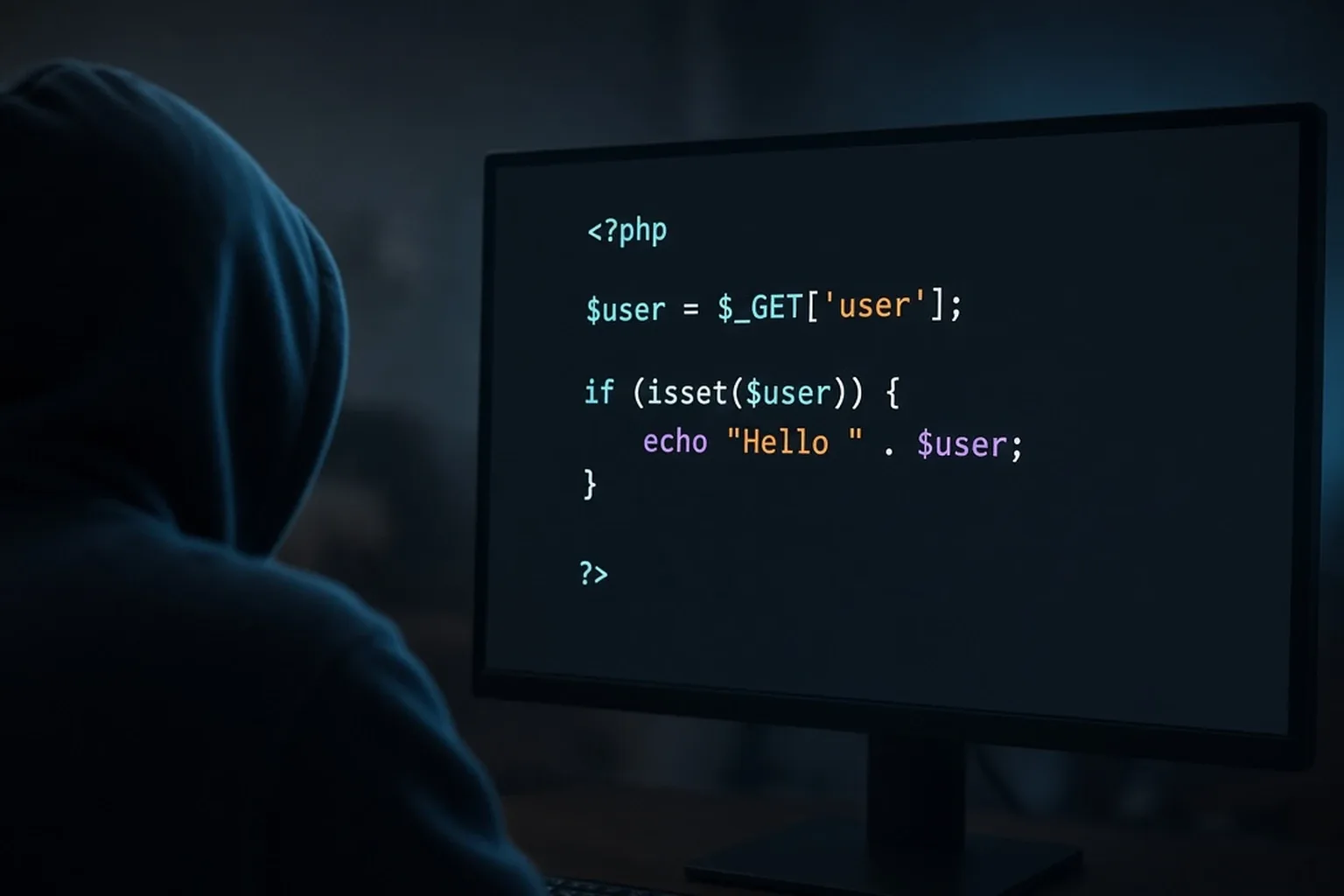
PHP is the programming language that runs behind the scenes on a huge share of websites, including most WordPress sites. If your site runs on WordPress, it almost certainly depends on PHP.
According to The Hacker News, the PHP team announced an emergency, out-of-cycle security release for October 21 at 14:00 UTC (7:00 AM Pacific, 10:00 AM Eastern). It fixes two critical flaws rated 9.2 out of 10 on the CVSS v4.0 scale. PHP's own security advisory says the flaws can allow unauthenticated remote code execution, which in plain terms means an attacker could run their own commands on the server that hosts a website without logging in.
The warning came early because details leaked online on October 20, as The Hacker News reported on X. The fixes are now out. Worth knowing:
- Update to PHP 8.5.12, 8.4.27, 8.3.36 or 8.2.35. These versions, released October 21, fix both flaws (CVE-2026-109618 and CVE-2026-109619), and PHP strongly encourages all users to update immediately.
- PHP says every PHP installation serving web requests is at risk, including common setups like PHP-FPM and Apache. It says there are no complete workarounds, so updating is the only safe choice.
- Linux distributions and hosting vendors received the patches in advance, so many hosts can apply updated packages quickly.
- PHP 8.1 and older no longer get official updates. PHP published minimal fixes for 7.4, 8.0 and 8.1 for people building from source, but the safest move is upgrading to a supported version.
That last point matters. Security company Mallory counted about 884,000 internet-facing servers reporting PHP 8.1 or older on October 20, per the same article. That count reflects what servers advertise, not confirmed affected systems.
What does the certificate key compromise mean for you?
The second story is about the padlock in your browser, and it is a different kind of business website security problem. Your HTTPS certificate (often called an SSL certificate) proves to visitors that your site is really yours. Those certificates are issued by companies called certificate authorities.
On October 20, a post from @theSouilos on X warned that 8 certificate authority private keys had been compromised. Google's Chrome and Android security teams confirmed the keys belonged to eight intermediate certificates from a provider called eMudhra. The keys were generated with weak randomness, so anyone could work them out and forge certificates to impersonate websites.
The good news: Chrome blocked the affected certificates on October 17, and the disclosure site says Firefox, Apple and Microsoft platforms followed by October 20. No certificates from those keys appeared in public logs, so the major browsers could not have been tricked. The site also warns that many other apps and tools do not check those logs and need their own updates.
For most small business sites, this means two things:
- If your certificate comes from a mainstream provider, there is likely nothing to change. Google says sites with certificates chaining to "emSign ECC Root CA - G3" need a new certificate before Chrome removes that root, expected October 27, 2026.
- Update your browser, computer and phone.
What should be on your business website security checklist?
Good business website security doesn't require being technical. Work through this list, or hand it to whoever manages your site:
- Confirm the PHP update. Ask your host or developer: "Which PHP version is my site on, and is it updated to 8.5.12, 8.4.27, 8.3.36 or 8.2.35?" If the answer is 8.1 or older, ask about upgrading to a supported version.
- Update WordPress, themes and plugins. Most break-ins start with outdated plugins. Delete the ones you no longer use.
- Turn on auto-updates where your host or developer says it is safe, so security fixes don't wait for you to remember.
- Check your certificate. Click the padlock in your browser and confirm the certificate is valid and not close to expiring. If you're unsure who issued it, ask your host.
- Keep backups you can actually restore. Ask how often backups run, where they live, and when one was last tested.
- Lock down admin logins. Use a unique password for every admin account, turn on two-factor authentication, and remove logins for former staff or old contractors.
- Know who to call. Write down your host, your domain registrar and whoever built your site, with login recovery details stored somewhere safe.
- Keep your own browser and devices updated. Restart your browser when it asks.
How does a lightweight, managed site reduce exposure?
Every plugin, theme and add-on is another piece of software someone has to patch. A lean site with fewer moving parts gives attackers fewer doors to try and gives you less to update when news like this breaks.
No website is unhackable, and nobody can honestly guarantee security. What you can do is keep the site small, keep it updated, and make sure a real person is responsible for it.
SJ Cloud Studio builds lightweight websites for local service businesses across the US, including Nassau and Suffolk counties. A landing page is $1,000 one-time, and the AI lead inbox can be added for $600. A website with up to 5 pages is $2,600 one-time with the AI lead inbox included. The inbox saves every lead from your site, flags urgent ones, drafts replies for you to review, and follows up at 2 and 5 days.
FAQ
Is my WordPress site affected by the PHP flaws?
WordPress runs on PHP, and PHP says all installations serving web requests are at risk until updated. Ask your host to confirm your site runs PHP 8.5.12, 8.4.27, 8.3.36 or 8.2.35, or a vendor package with the October 21 fixes.
Do I need a new SSL certificate because of the eMudhra compromise?
Probably not. Only sites with certificates chaining to eMudhra's emSign ECC Root CA - G3 were told to replace them. Ask your host who issued yours if you're unsure.
How often should I update my website?
Apply security updates as soon as they're released, and review plugins and themes at least monthly.
Can a small business website really get hacked?
Yes. Attackers often use automated tools that scan for any site running outdated software, regardless of size. For most owners, staying updated is the core of business website security.
Related reading: six website checks you can run this afternoon, the 2026 contractor website checklist, an AI lead inbox for snow removal crews. You can also run our free website check on your current site.
If your current site feels like a pile of plugins nobody looks after, get a free private preview of a new one at sjcloudstudio.com. SJ Cloud Studio lets you review it privately for 4 hours before you pay anything.

Founder of SJ Cloud Studio on Long Island. I build websites and AI receptionists for local businesses, and I write here about what works for them. More about me.
Keep reading