Spot Form Spam and Phishing on Local Service Sites
Written by Jose Herrera (Instagram) · Edited by Jose Herrera and Safi Khan
A plumber or HVAC shop on Long Island can open the website inbox after a storm and find twenty "quote requests." Some are real homeowners in Nassau or Suffolk. Some are junk. A few look like a customer and then ask you to click a link, open a file, or send payment or login details.
This guide is about those form messages, not about whether the server is patched. For that checklist, see Is Your Business Website Safe?. Where the form actually goes is also one of the six website checks you can run in an afternoon.
Quick answer: Treat every website form submission like untrusted email. Do not click links or open unexpected files in a lead message. If a request feels urgent, odd, or financial, confirm it using a phone number you already have, not a number or link inside the message. These habits reduce risk. They do not guarantee security.
Spam wastes time. Phishing asks you to trust the wrong request.
Junk form mail is annoying: fake SEO offers or empty "I need a quote" notes with no town. Phishing is different. CISA describes it as an attempt to get someone to open a harmful link or attachment, or to share personal or financial information, often in a message that looks like it came from a trusted person or organization: Recognize and Report Phishing.
CISA, citing the FBI's 2024 Internet Crime Report, notes that phishing was the most reported of the five most common cybercrimes in that report, with 193,407 complaints: Teach Employees to Avoid Phishing. That figure is a complaint count, not a claim about your shop. Warning signs include urgent language, requests for personal or financial information, and incorrect links. Poor grammar is no longer a reliable tell. If a message looks suspicious, CISA's advice is to resist clicking, report it if you can, and delete it.
How this shows up on a local service website
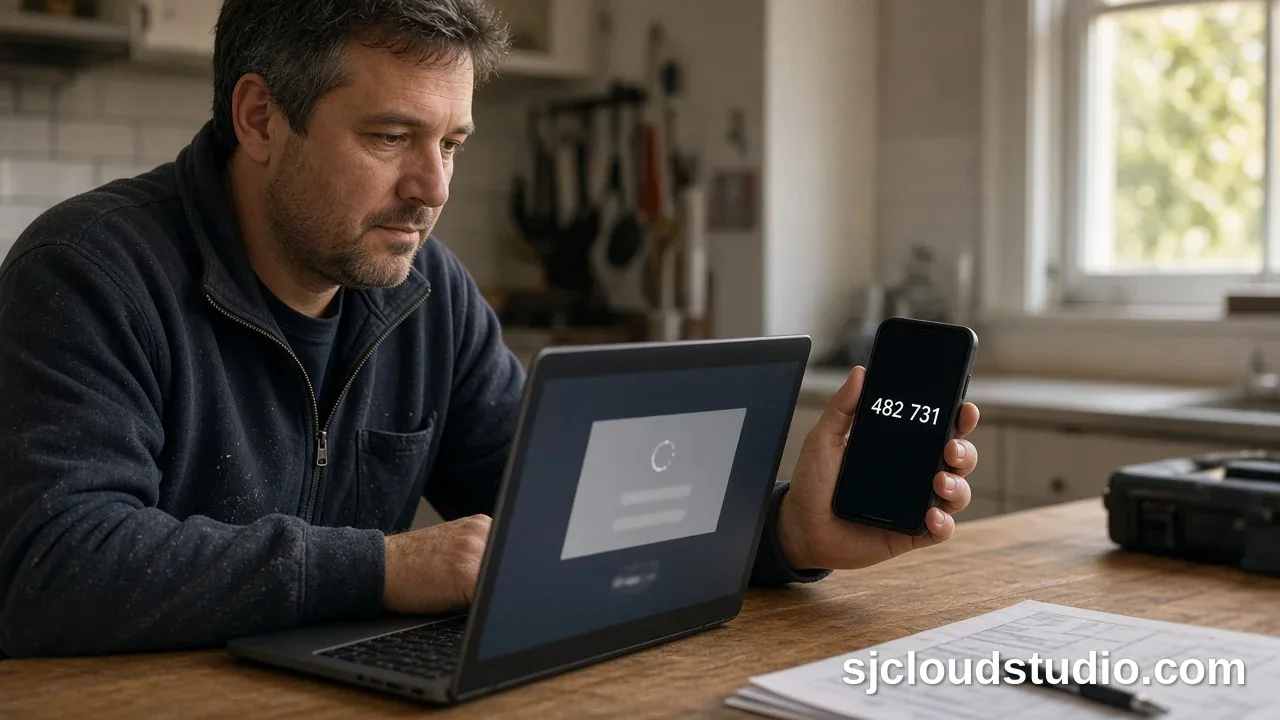
On a contractor or auto-repair site in New York, a risky form message often looks like a job lead first. Slow down — this is a list of request types, not a how-to — when a "homeowner" skips a town or return number but includes a link "with photos," asks you to sign into a portal, wants bank details or a website login, or demands immediate action while posing as a vendor.
CISA says to verify a message that feels off, but not by replying or using a phone number or link from the message itself. Use a contact method you already have: Teach Employees to Avoid Phishing. The FTC makes a similar point: check unexpected invoices carefully, and do not click links you were not expecting: Scams and Your Small Business (July 2023).
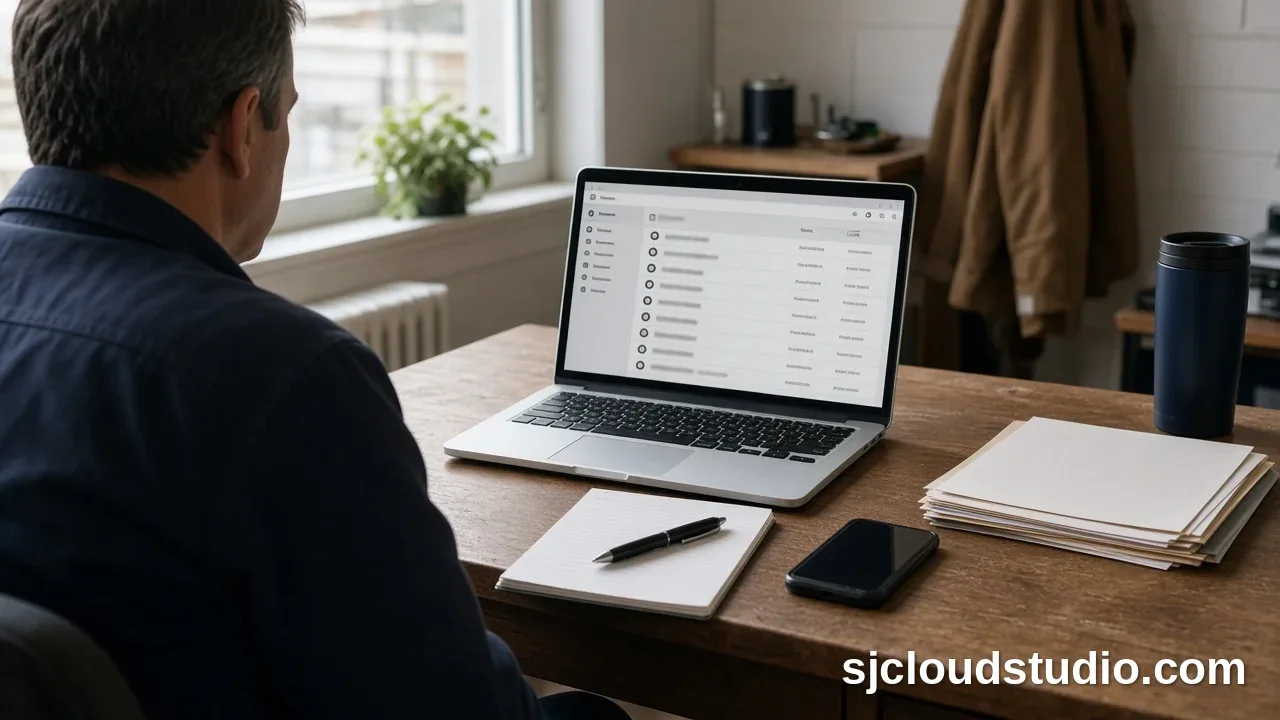
A simple review habit for the office
- Review new website leads in one place instead of forwarding raw messages to every phone.
- Ask the form for a name, town or borough, service needed, and a phone number. You rarely need a file upload on a first contact form.
- If a message includes a link, a file, or a payment or login request, stop. Call back only a number the person typed as their own, or a number you already have.
- Tell staff they will not get in trouble for flagging a weird lead. CISA recommends a clear reporting path, not a once-a-year lecture.
- Ask your developer or host what spam protection the form already uses. This is not a setup guide, and no one tool is promised to stop junk or scams.
An AI lead inbox can gather website inquiries, flag urgent ones, and draft replies for you to review. It is not a phishing detector, and a person should still read a draft before anything is sent.
Careful form handling will not patch the site or stop every junk message. SJ Cloud Studio does not sell a cybersecurity audit here. We build websites for local service businesses across the US, including Long Island and NYC, and we work remotely.
FAQ
How can I tell form spam from a real job request? A real local lead usually includes a service and a place you actually work, such as a town in Nassau or Suffolk. Treat messages that skip those basics, push a link or file, or ask for payment or login details as untrusted until you confirm them another way.
Should I click a link a customer sent through my contact form? Not if you were not expecting it. Follow up with a number you already have, or call back only the number the person typed as their own.
Does an AI lead inbox stop phishing? No. An AI lead inbox helps you collect and review website inquiries. A person still decides whether a message is a real job.
Can a contact form infect my computer? A form message can carry a risky link or file, just as email can. Do not open unexpected attachments or visit unexpected addresses from a lead.
Will this make my website compliant or "secure"? No. These steps do not certify your site or guarantee security.
If you want a cleaner site to review first, start with a website check or a free 4-hour private preview.
Follow SJ Cloud Studio on Instagram
Related reading: Is Your Business Website Safe? · Website Checks for Long Island Businesses · AI Lead Inbox for Snow Removal on Long Island · Get a Website Check

Founder of SJ Cloud Studio on Long Island. I build websites and AI receptionists for local businesses, and I write here about what works for them. More about me.
Keep reading